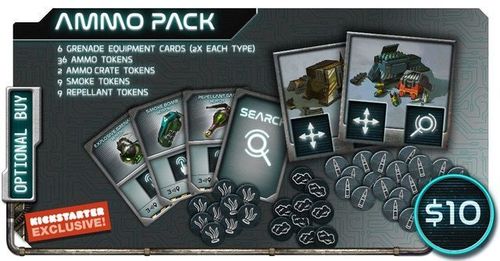
Project: ELITE – Ammo Pack
Project: ELITE – Ammo Pack Rulebook
Table of Contents
Table of Contents
Ammo
Playing with the Ammo expansion, all weapons except the basic weapons have a limited supply of ammo.
When you equip a non-basic weapon, place 3 ammo tokens on that weapon's card. When you activate it, discard 1 ammo token.
You cannot activate a weapon whose card has no ammo tokens left.
Setup
Follow the normal game setup rules, with two additional steps:
- Place the ammo tokens so that everyone can reach them comfortably.
- Place the 2 ammo crate tokens in separate spaces next to the starting space.
Example: Gigamesh encounters 3 shooters. To destroy them, he must activate his weapon by placing the required dice on the card and discarding 1 ammo token.
Reloading
To reload, a hero must move to a space next to an ammo crate. Then the hero must perform a Search action. As a result, all of the hero's weapons are reloaded at the same time: each weapon card is refilled with tokens so that every card has exactly 3 tokens. A weapon card cannot hold more than 3 ammo tokens.
Moving Ammo Crates
Ammo crates can be moved with the crate-move icon (a hand). To move a crate that is adjacent to the hero, the hero spends as many crate-move icons as the number of spaces the crate is to be moved.
Example: Gherid rolls two weapon icons, a move icon and a Search icon. He is out of ammo, but an ammo crate is 1 space away. So he spends the move icon to step into the space next to the crate. Then he uses the Search icon to place 3 ammo tokens on the weapon card. Now he can reload and activate his weapons with the two weapon icons.
Example: Gherid rolls a wrench icon, two crate-move icons and a Search icon. Ashoka has no ammo left. The hero uses the Search icon to refill her supply, and the two crate-move icons to move the ammo crate 2 spaces to Ashoka.
Note: heroes cannot move ammo tokens between weapons.
Icons on the sheet (ammo token, Search, move, crate-move, weapon and wrench) are rendered here as the bold words above.