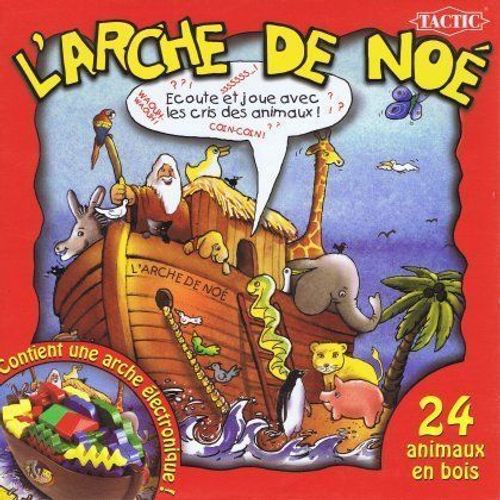
Noah's Ark
Noah's Ark Rulebook
Table of Contents
Table of Contents
Contents
- Electronic boat (Noah's Ark) with six different animal tunes
- Game board
- 6 animal cards
- 24 wooden animals (dog, pig, elephant, lion, duck and snake, in 4 different colours)
- 2 AA batteries are required and are not included in the game.
The sheet also shows the icons 4+ (age), 2-4 (players) and 20+ (clock icon, as printed).
Object of the Game
The player who first gets all six of their animals aboard Noah's Ark wins.
Setup
- Insert the batteries in the underside of the boat according to the instructions, and set the black button to "on". (The ON / OFF switch is on the underside of the boat.)
- Place the game board on the table and set Noah's Ark on the marked spot on the game board. Make sure all players can easily reach the red and the green button on the boat.
- Feel free to try and listen to the different animal tunes before the game begins.
- Each player chooses one of the four colours and takes the six animals in that colour: one dog, one pig, one elephant, one lion, one duck and one snake.
- Place each player's animals on the first space of their respective colour on the game board.
- Place the six animal cards on the table picture side up, so that everyone can see them before they are turned face down.
Playing the Game
The youngest player starts, and turns always go clockwise.
On your turn, press the red button, and one of the six animal tunes sounds.
All players listen carefully and try to recognise which animal makes that sound. As soon as someone recognises the sound, quickly try to turn up the card with that animal.
The player who first manages to turn up the correct card may move their animal one step forward on the game board.
Note on the sheet's diagram: the boat is labelled "ANIMAL TUNES" (DJURLÄTEN) at the red button and "REPETITION" at the green button. The printed text does not describe the green button's function beyond the setup step, so no further rule is given here.